01_管线及资源设置
导入贴图设置
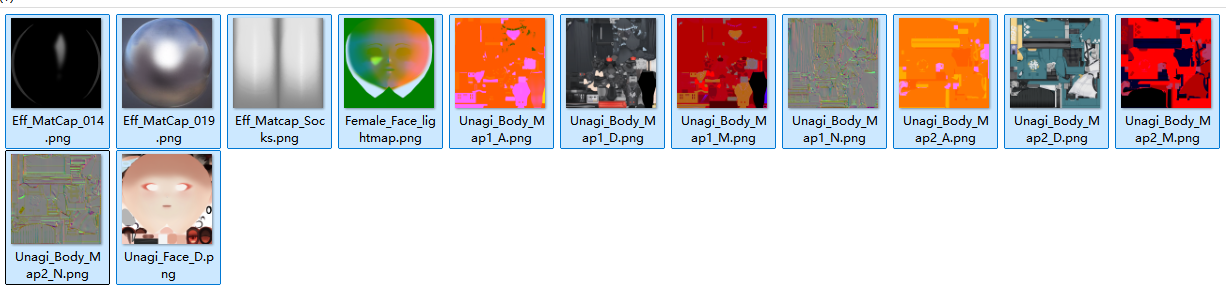
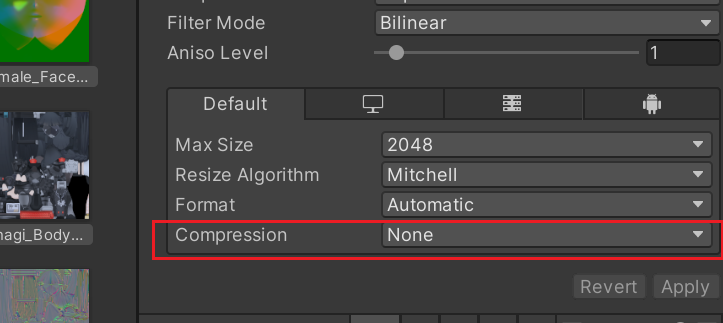
关闭贴图压缩
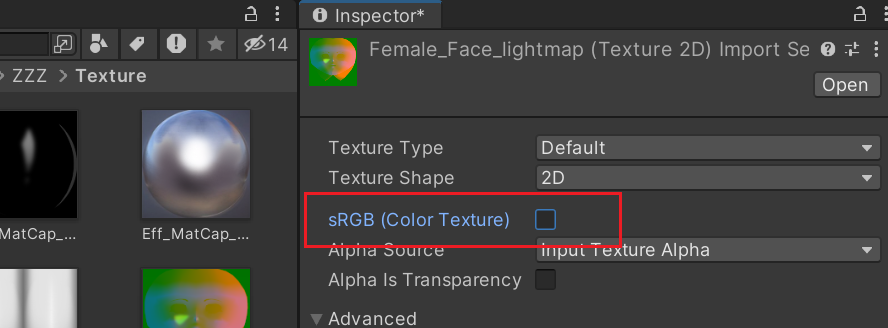
面部光照图去SRGB
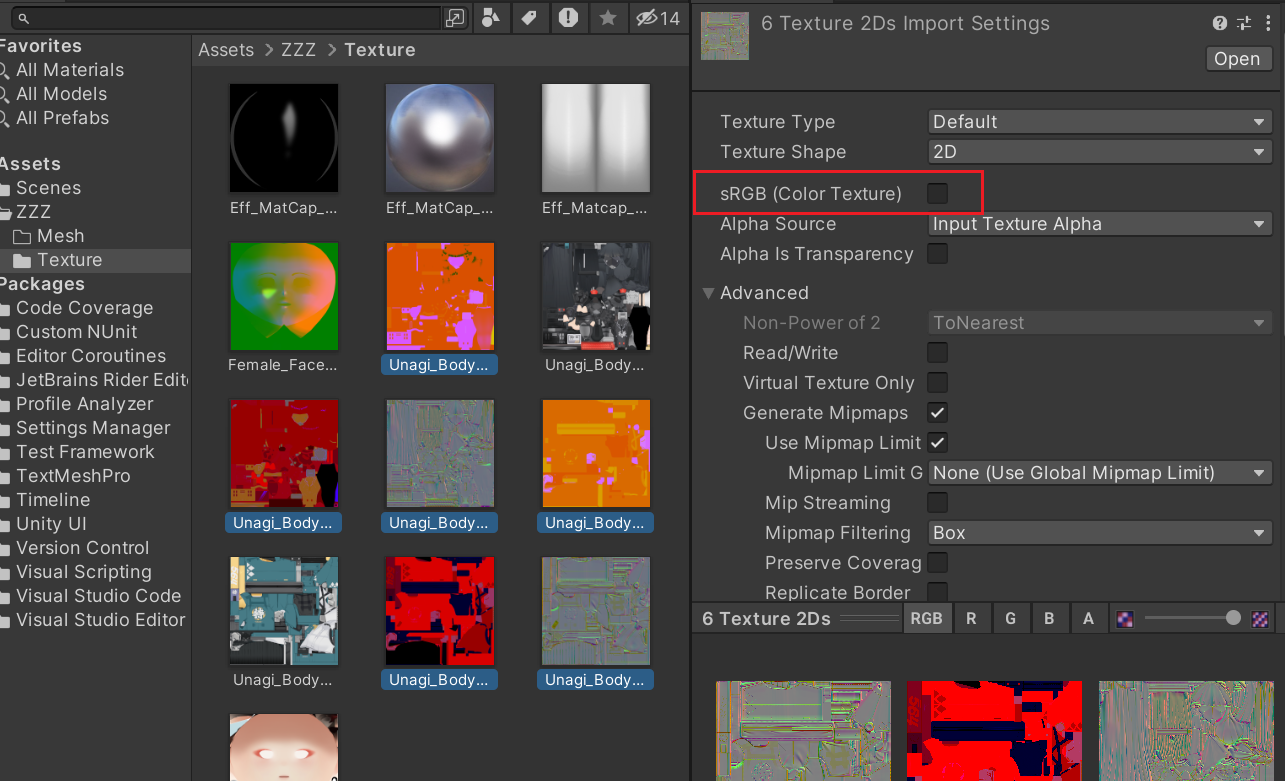
各类遮罩图也需要去SRGB
导入模型
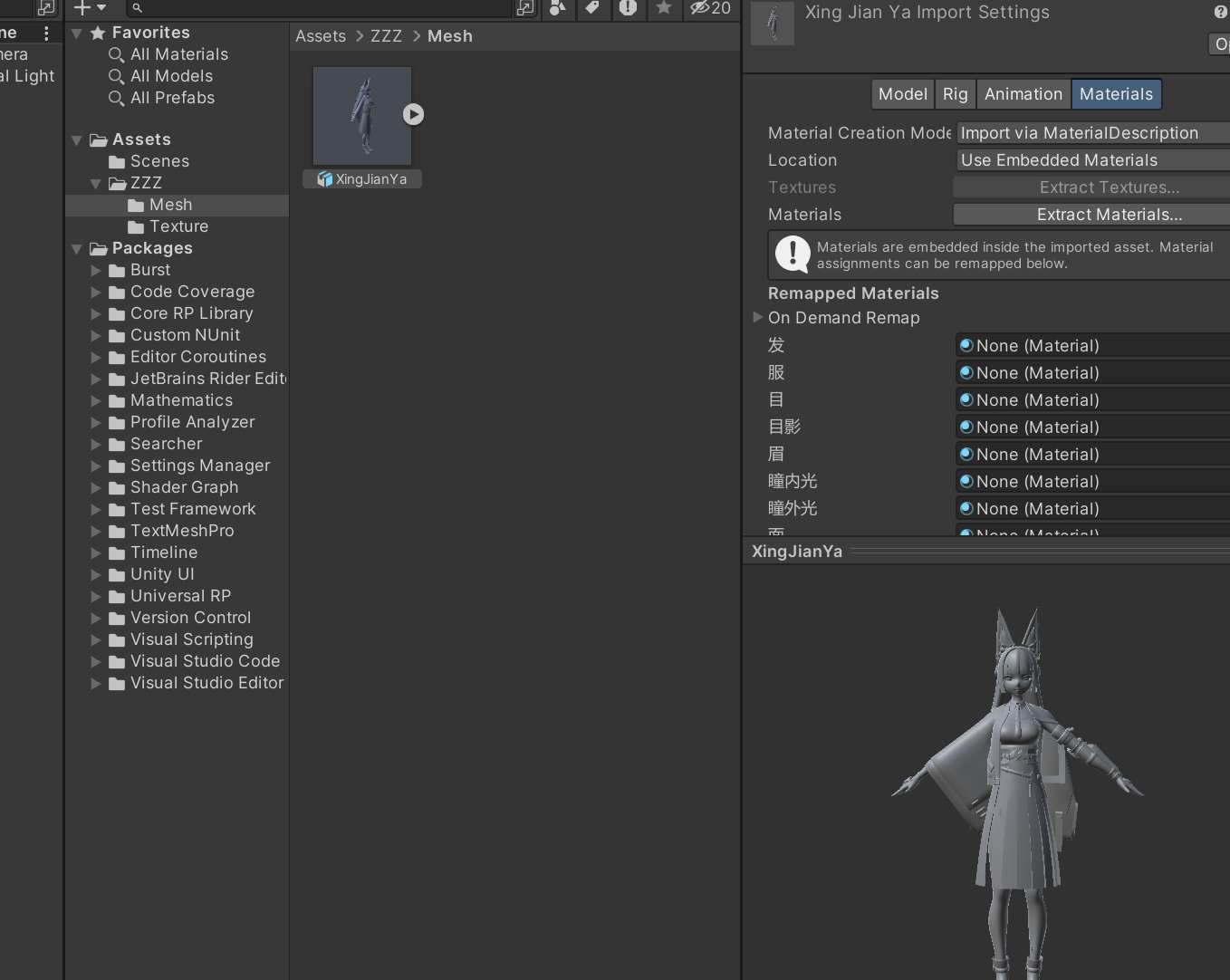
渲染管线设置
安装URP
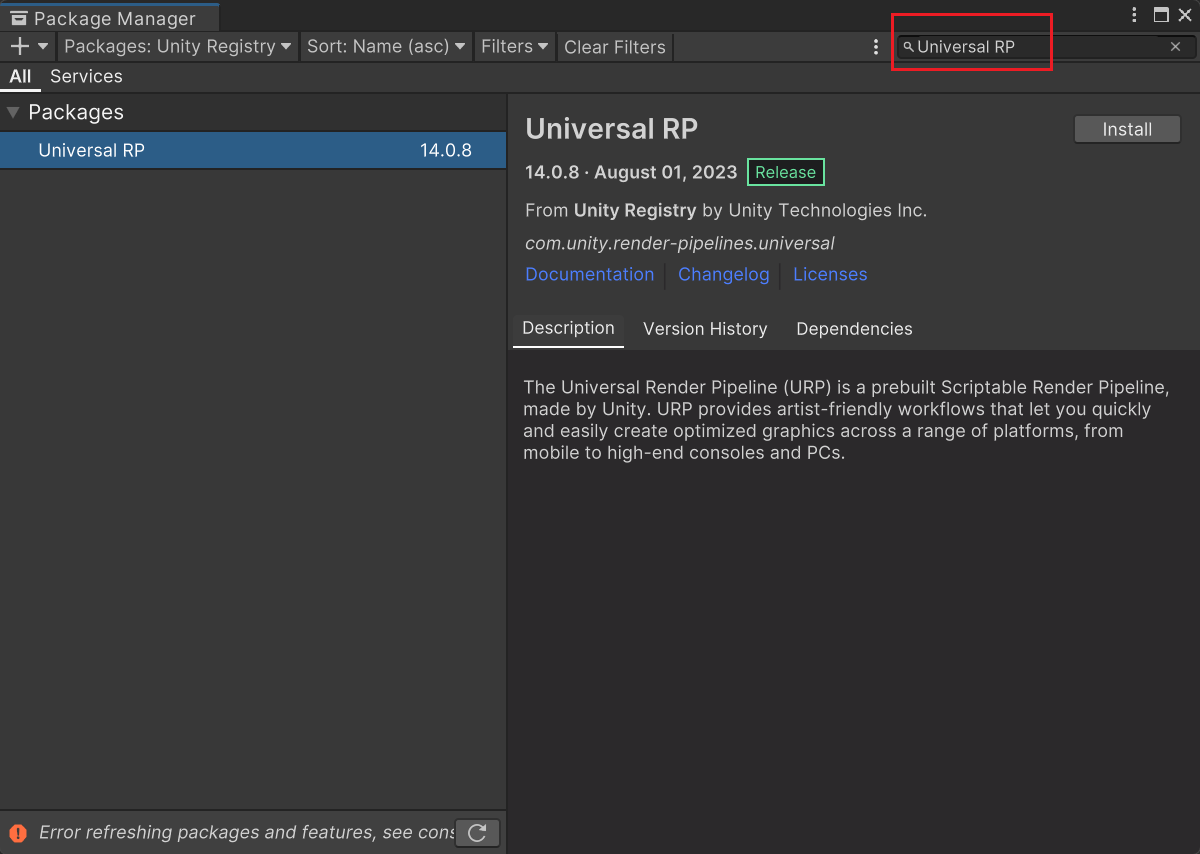
创建UPR渲染资源
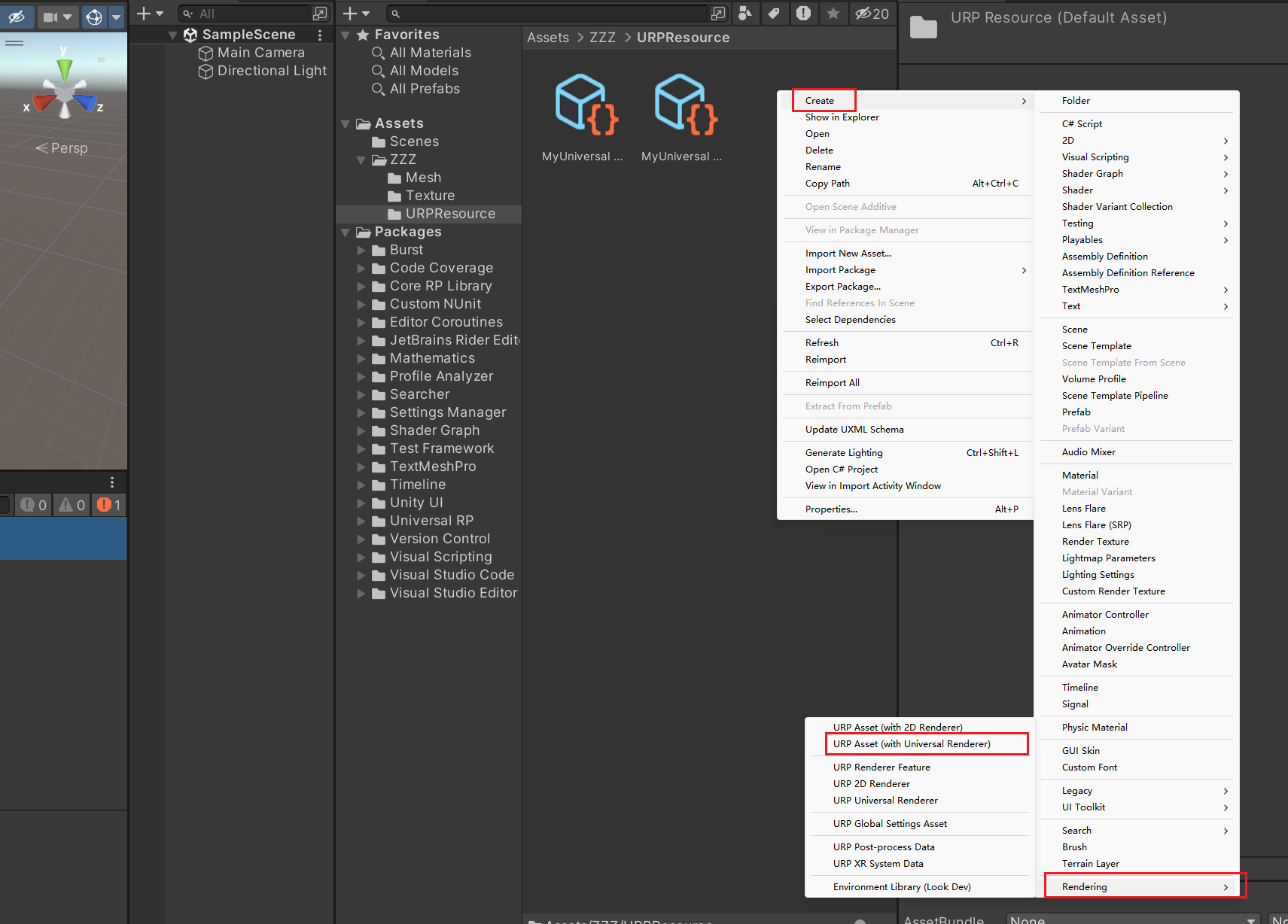
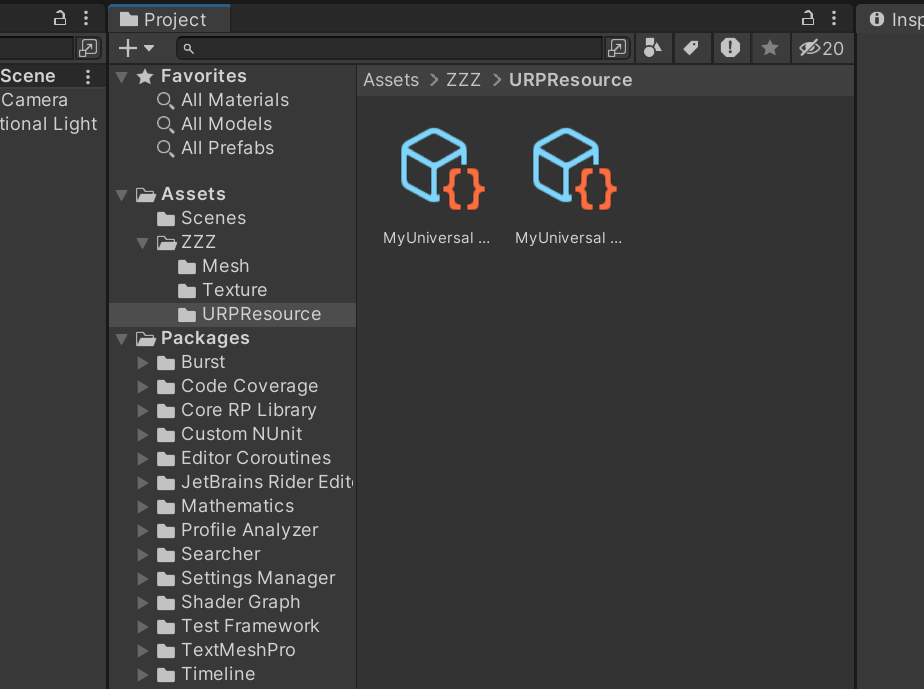
渲染管线指定
在ProjectSettings中找到Graphics进行渲染管线的指定,指定过后才能正确看到URP的材质 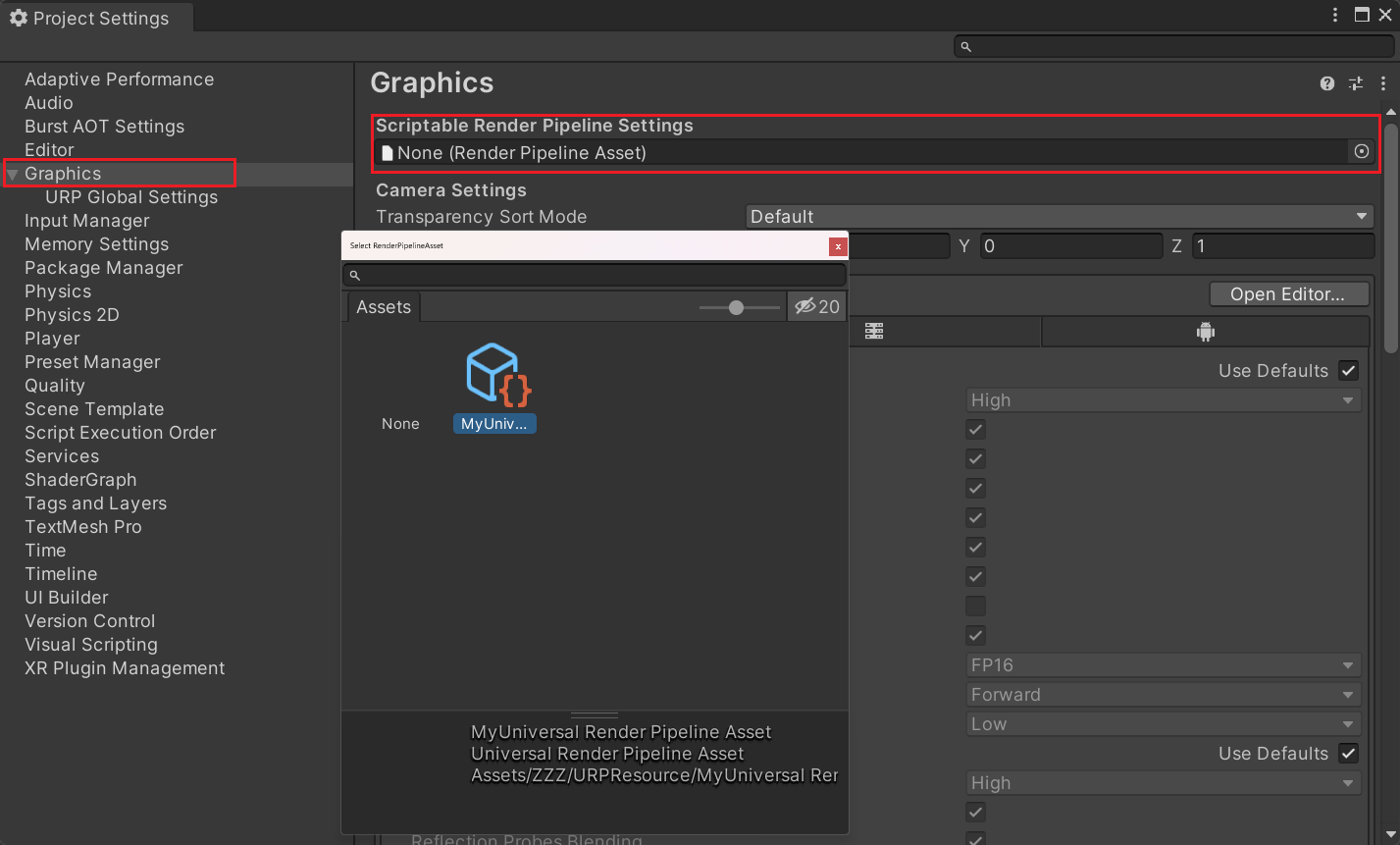
Shader处理
添加材质参数和Keyword
添加KeywordEnum对各个部分进行区分,添加贴图参数和颜色混合参数 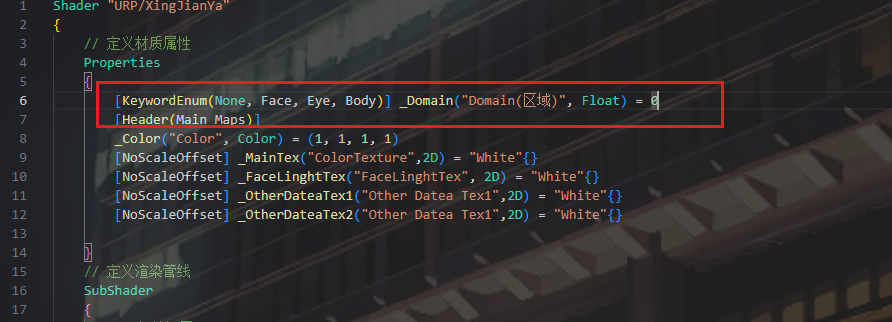
定义Keyword 宏
踩坑,Keyword宏声明必须全是大写!Unity不识别小写!!跟你前面参数大小写没关系,必须必须全大写!!!!Toggle也一样!! 错误写法 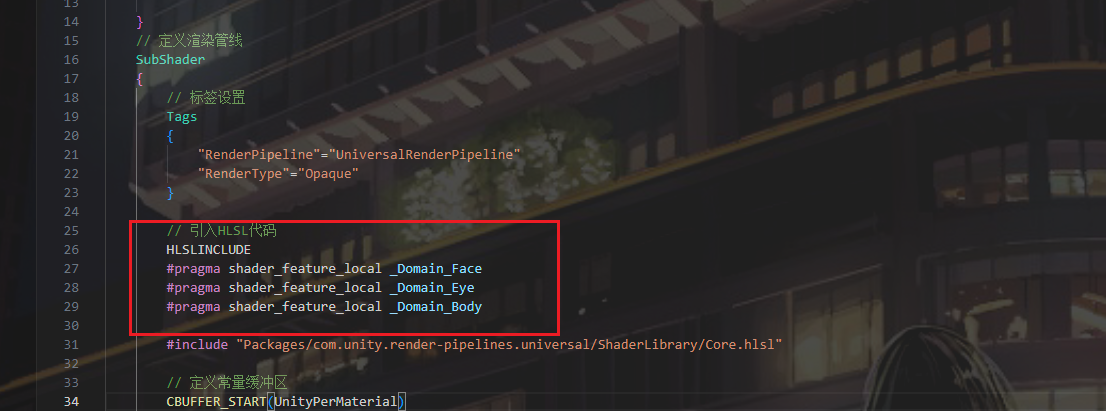 正确写法
正确写法 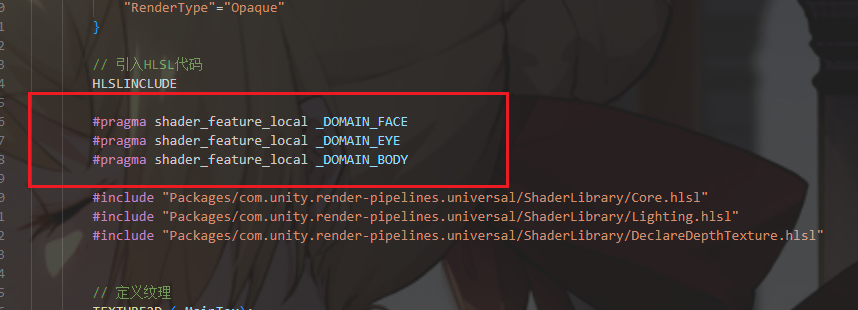 材质右上角开启debug显示的Keywords都是大写的!!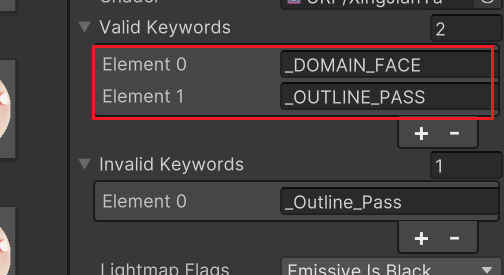
定义参数变量
常量放常量缓冲区,采样贴图需要额外定义采样器 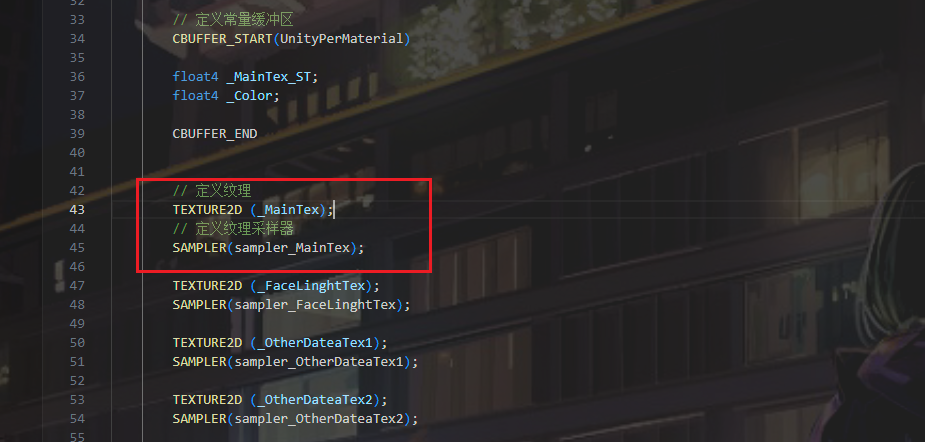
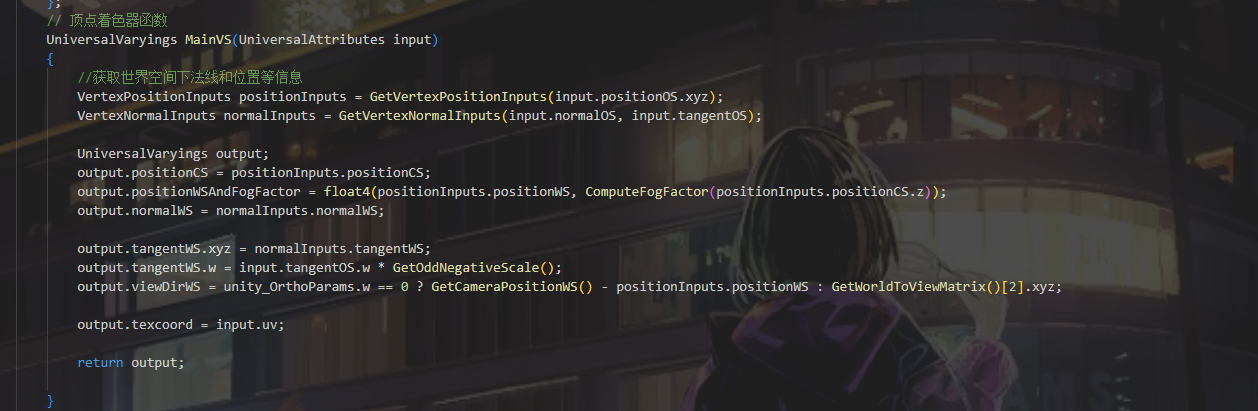
顶点着色器
1
2
3
4
5
6
7
8
9
10
11
12
13
14
15
16
17
18
19
20
21
  // 顶点着色器函数
        UniversalVaryings MainVS(UniversalAttributes input)
        {
            //获取世界空间下法线和位置等信息
            VertexPositionInputs positionInputs = GetVertexPositionInputs(input.positionOS.xyz);
            VertexNormalInputs normalInputs = GetVertexNormalInputs(input.normalOS, input.tangentOS);

            UniversalVaryings output;
            output.positionCS = positionInputs.positionCS;
            output.positionWSAndFogFactor = float4(positionInputs.positionWS, ComputeFogFactor(positionInputs.positionCS.z));
            output.normalWS = normalInputs.normalWS;

            output.tangentWS.xyz = normalInputs.tangentWS;
            output.tangentWS.w = input.tangentOS.w * GetOddNegativeScale();
            output.viewDirWS = unity_OrthoParams.w == 0 ? GetCameraPositionWS() - positionInputs.positionWS : GetWorldToViewMatrix()[2].xyz;

            output.texcoord = input.uv;

            return output;

        }
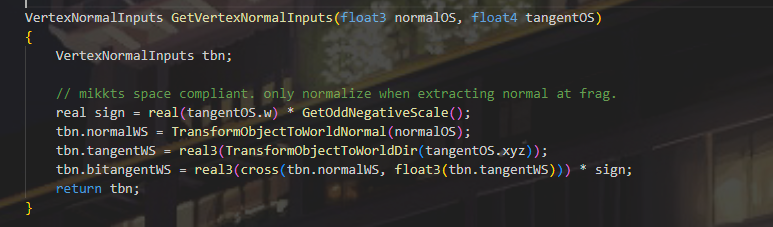
法线和顶点位置处理
这里调用函数进行处理计算了多个空间下的数据后面直接调用就好  函数原型 ShaderLibrary/ShaderVariablesFunctions.hlsl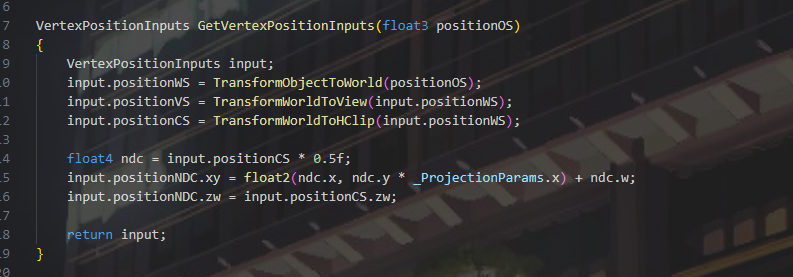
传值处理
这里是世界空间下位置,和雾因子存储,位置仅占xyz三个通道,雾因子塞到w里面  切线需要进行特殊处理,处理法线或切线翻转情况
  unity_OrthoParams.w是判断相机是否是透视和正交,如果是正交则需要特殊处理
片元着色器
宏处理进行判断是否需要Alpha 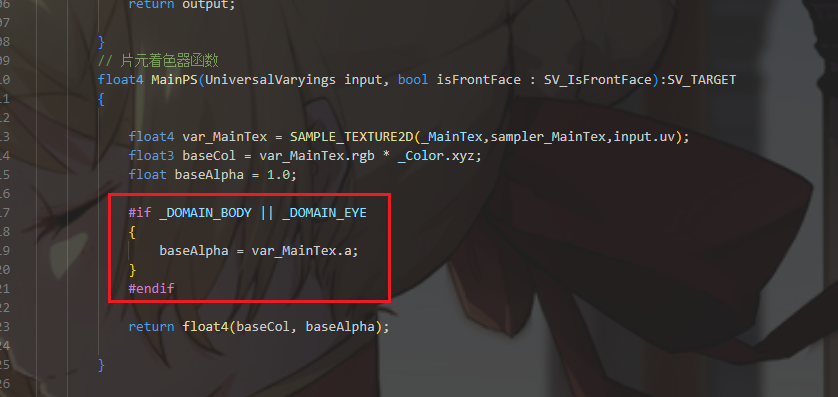
1
2
3
4
5
6
7
8
9
10
11
12
13
14
15
16
17
 // 片元着色器函数
        float4 MainPS(UniversalVaryings input, bool isFrontFace : SV_IsFrontFace):SV_TARGET
        {

            float4 var_MainTex = SAMPLE_TEXTURE2D(_MainTex,sampler_MainTex,input.texcoord);
            float3 baseCol = var_MainTex.rgb * _Color.xyz;
            float baseAlpha = 1.0;

            #if _DOMAIN_BODY || _DOMAIN_EYE
            {
                baseAlpha = var_MainTex.a;
            }
            #endif

            return float4(baseCol, baseAlpha);

        }
Pass内容 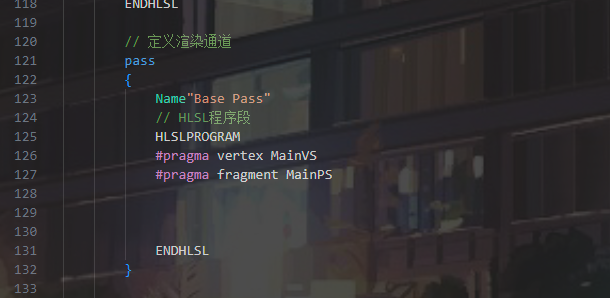
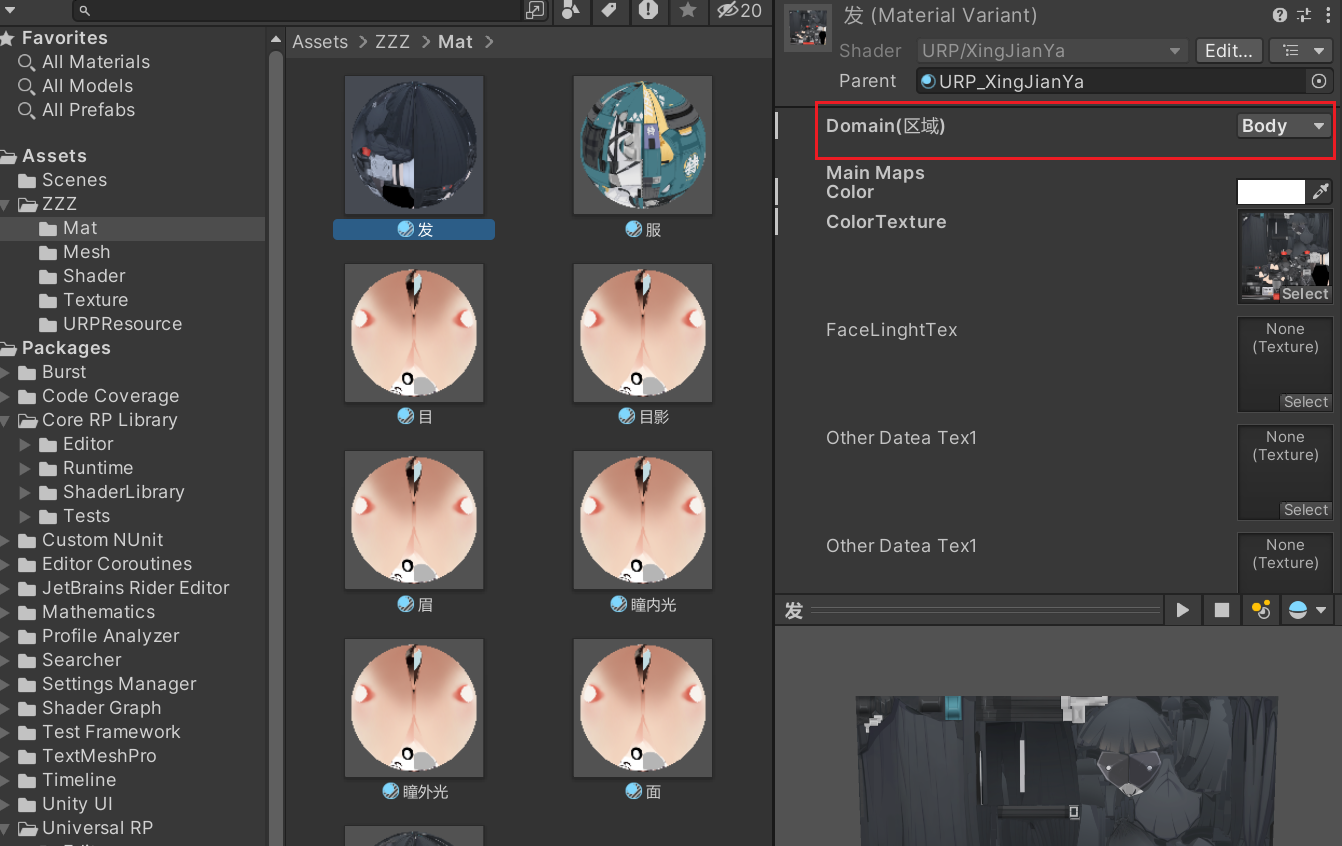
材质赋予模型,调整材质域
Enjoy Reading This Article?
Here are some more articles you might like to read next: